CI/CD Pipeline Setup for Software and AI Delivery Teams
acty.dev sets up a CI/CD pipeline for small software and AI delivery teams — often built as a GitHub Actions deployment workflow — so build and test commands run automatically, failure checks block a broken release, and the team gets release documentation at handoff.
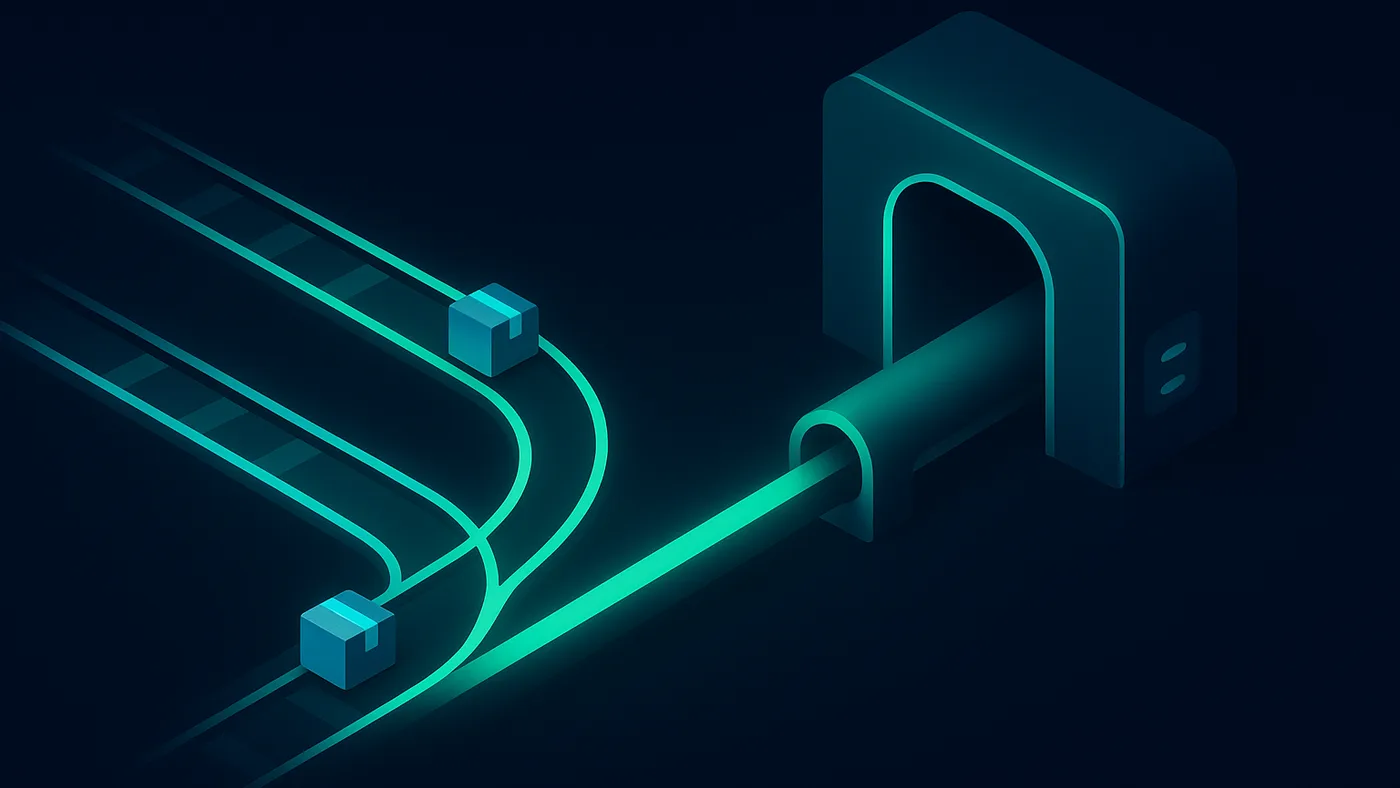
We set up validation and release pipelines for small manufacturing software and AI delivery teams: a CI workflow with build and test commands, failure checks before release, and release documentation your team can follow after handoff. This is scoped delivery support, not an organization-wide DevOps transformation.
The problem we solve
Small manufacturing software and AI delivery teams often ship without a CI/CD pipeline: nobody automatically runs the build and test commands before release, failures surface after deploy instead of before it, and going to production depends on one person's manual confidence rather than a documented, repeatable gate.
How we work
- Review the repository.We review the repository, the existing build and test commands, and how releases happen today, then scope the pipeline before changing anything.
- Configure the pipeline.We set up a CI workflow that runs the agreed build and test commands with failure checks, so a broken change is caught before it reaches release.
- Verify it catches failures.We run the pipeline against real and deliberately broken changes to confirm the checks pass and fail correctly, then wire it into the release path where scoped.
- Hand off documentation.We hand over the command contract and release documentation, with ongoing DevOps support available for further work.
What you bring / what you get
Inputs
- The application repository
- The build and test commands the project runs
- The current release process and deployment target
Outputs
- A CI workflow running build and test commands automatically
- Failure checks that block release on a broken build
- Release documentation and repository notes
Definition of done.A working CI workflow that runs the project's build and test commands with failure checks before every release, handed off with release documentation and repository notes, so shipping to production no longer depends on one person's manual confidence.
Fit and anti-fit
Good fit
- Small software or AI delivery teams shipping without a pipeline today
- Repositories where builds and tests are not checked before release
Not a fit
- Requests for organization-wide DevOps transformation
- Kubernetes, SRE, or large-scale regulated infrastructure requests
Questions
- What does CI/CD pipeline setup include?
- A CI workflow that runs your project's build and test commands automatically, with failure checks before release, a command contract, and release documentation handed off at the end.
- Which CI provider do you use?
- We set up the pipeline on the CI provider your team already uses — most commonly GitHub Actions — so the workflow fits your existing repository instead of asking you to move platforms.
- What is out of scope?
- We do not claim organization-wide DevOps transformation, and we do not promise Kubernetes, SRE, uptime, or always-on incident response.
- What do you need to provide to start?
- The application repository, the build and test commands the project should run, and your current release process with any deployment target.
- How is this priced?
- A scoped pipeline setup can start from a few hundred dollars. Larger setup work and ongoing DevOps support are scoped after a task review.
- Is the pipeline set up once, or is this ongoing?
- The pipeline is set up once and handed off with a command contract and release documentation. Ongoing DevOps support is scoped separately after a task review.
Explore
Have a process, dataset, or camera footage to work from?